Chrome extension for meetings
himala - Directly in your Browser
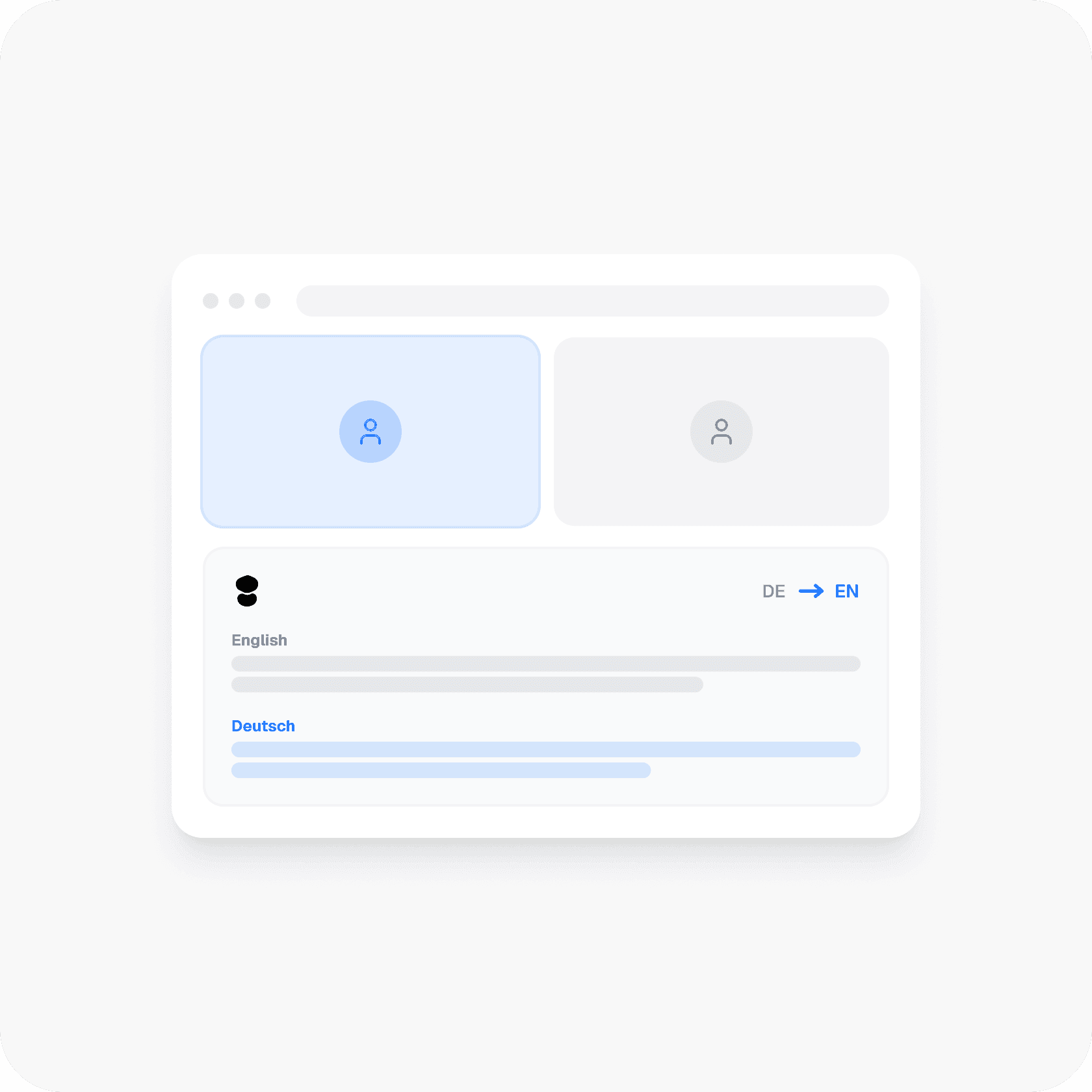
Prepare, capture, and act on your meetings directly inside Chrome: no system installation, no switching tools, just instant multilingual transcription, summaries, and actions
Getting Started
How it works

1
Join a meeting in Chrome
Open any meeting in your browser, Google Meet, Zoom, teams or others
2
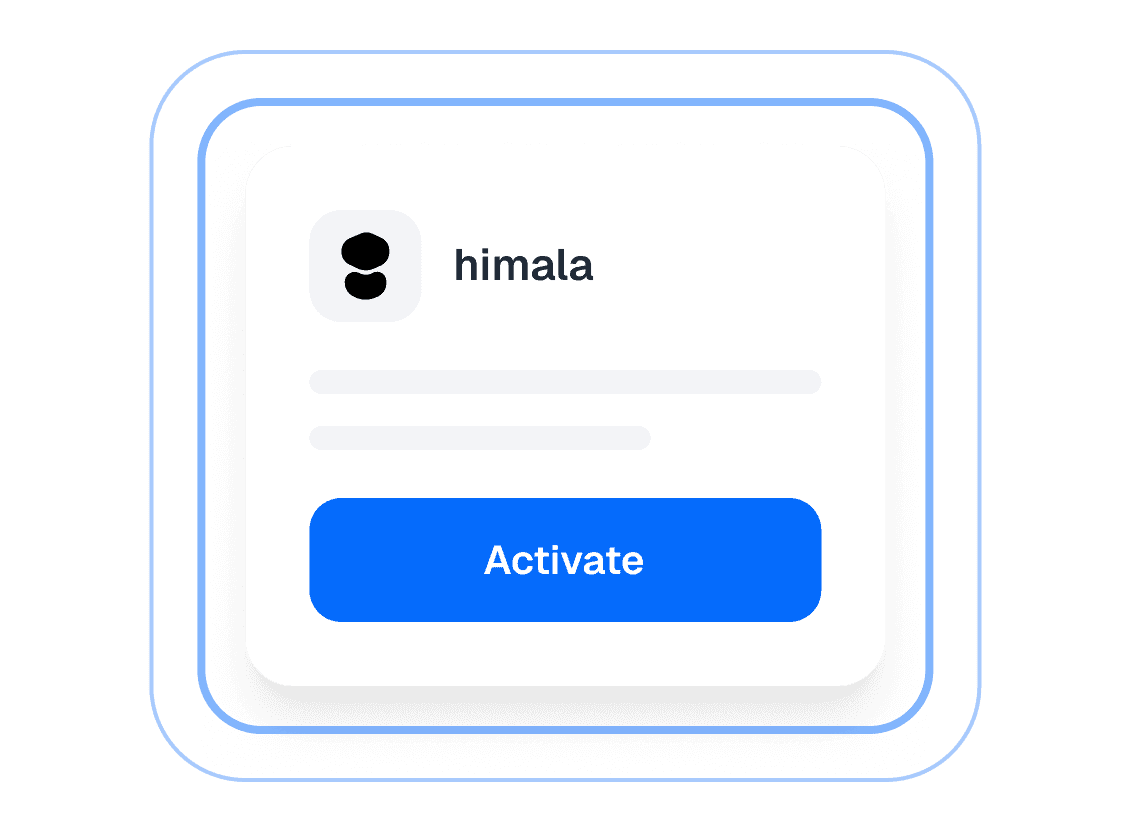
Activate himala
One click to start capturing. himala listens and takes notes for you
3
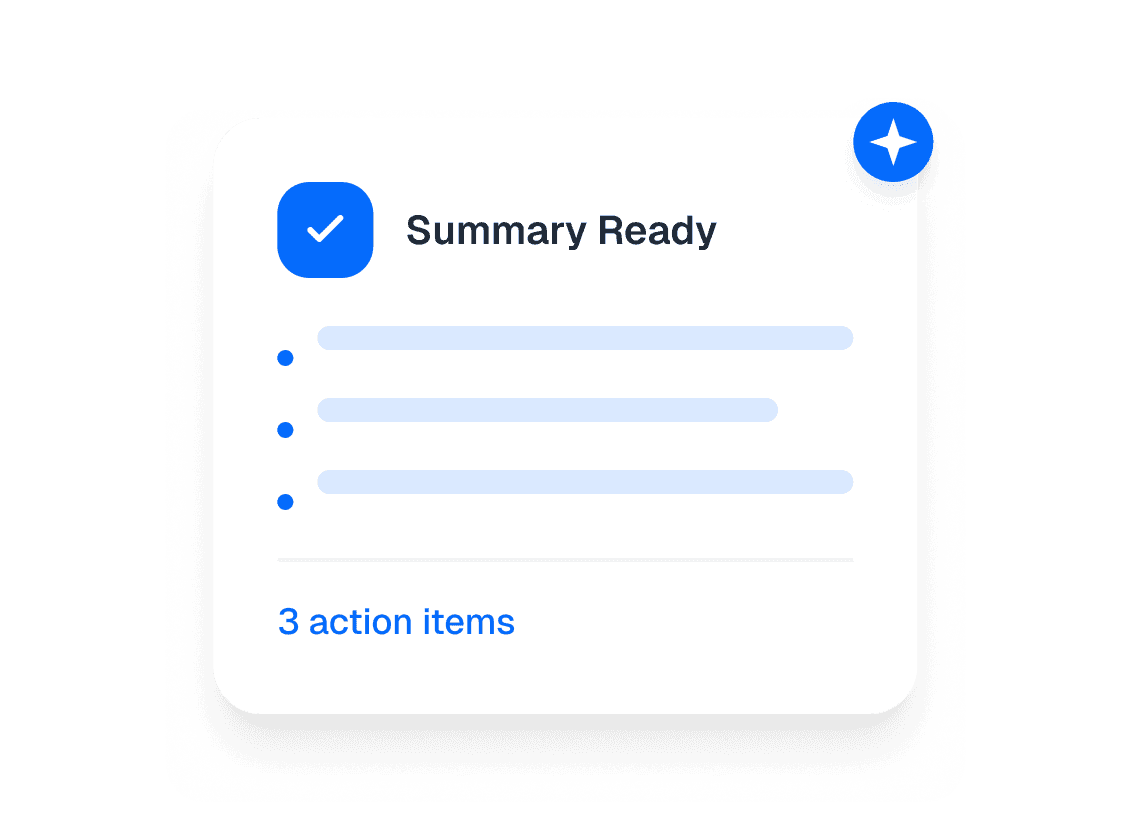
Get summary & actions
Right after the meeting ends it sends Instant summary, decisions, and action items, ready to share


Meeting Transcription
himala Chrome Extension vs himala Desktop App
Two ways to capture your meetings with Himala. Choose the option that fits your workflow or use both for complete coverage.

Crafted by minds from

Chrome Extension
Chrome Extension for Meeting Prep
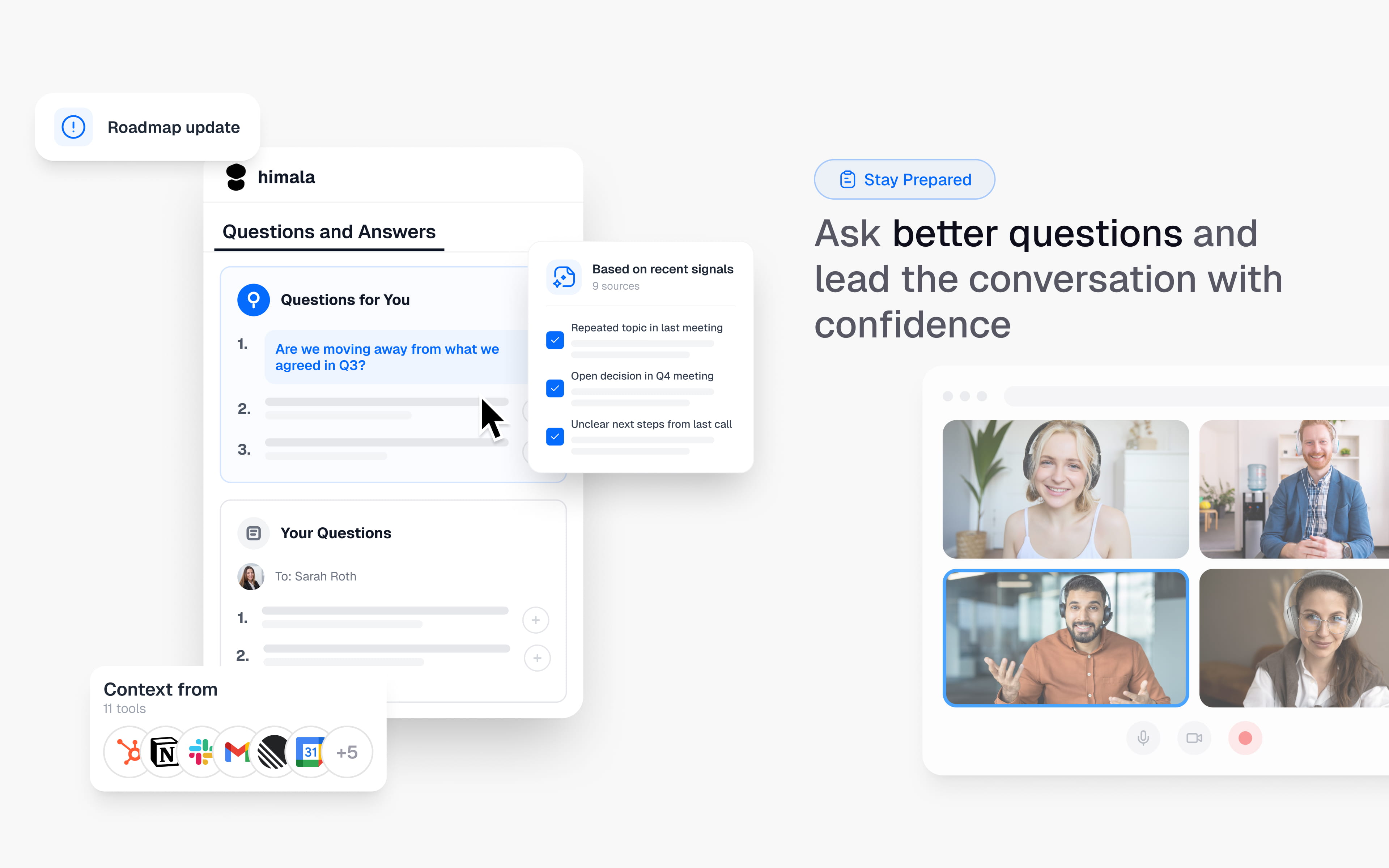
The extension pulls context, past notes & agenda automatically — so you walk into every meeting prepared